Residential Proxies: How Attackers Hide Behind Real IPs

Domenico Lorenti
Cloud Architect
 Claude
  Perplexity
Your website gets traffic from what looks like normal households every day. Regular IPs, regular ISPs, regular locations. But behind some of those connections, someone is paying to borrow that trustworthy-looking address.
Scrapers, fraud rings, credential stuffing bots, bonus abusers, AI data harvesters. They all show up wearing someone else’s residential IP. And because blocking residential traffic means blocking real customers, most businesses let it slide.
That is exactly what attackers are counting on.
What is a residential proxy?
A proxy is a middleman that routes your traffic so the destination sees the proxy’s IP instead of yours. A residential proxy does the same thing, but the traffic exits through a real household internet connection rather than a commercial data center.
To your website, it looks like a normal person browsing from home. The IP belongs to a real ISP customer. The geolocation checks out. Rate limiters and allowlists that assume “residential equals human” let it right through.
Data center proxies are loud and easy to filter. Residential proxies are quiet and blend in perfectly. That is what attackers pay for.
Where residential proxy IPs come from
Running a residential proxy network means controlling thousands to millions of real home connections. Here is how providers get them, and it is rarely with the actual user’s informed consent.
Compromised routers and IoT devices
Attackers scan the internet for devices with outdated firmware, default passwords, or unpatched vulnerabilities. Once compromised, malware installs a small proxy component that listens on a high port and forwards traffic on command. The device owner usually never notices unless their connection slows down or their ISP flags something unusual.
Home routers, security cameras, smart TVs, and other IoT hardware are prime targets because they are rarely monitored or updated.
Free VPNs that sell your connection
“If it’s free, you’re the product” hits hard here. Many free VPN apps give you encrypted browsing on the front end while quietly selling access to your home connection on the back end. The permission is buried in a Terms of Service screen that nobody reads, which technically looks like consent, even though most users have no idea their IP is forwarding scraping traffic or fraud attempts.
Apps with hidden proxy SDKs
Sometimes the app itself is not the problem. A third-party SDK bundled inside it is. Developers add these SDKs for monetization or analytics, but some include proxy components that run a background service, open local sockets, and forward traffic when the proxy provider requests it.
The user thinks they installed a flashlight app. The hidden SDK turned their phone into a proxy exit node.
Bandwidth-sharing apps
These are more transparent. They advertise “earn money by sharing your unused internet.” Users sign up thinking they are selling spare bandwidth for a few dollars a month. What actually happens is the app relays inbound traffic through their home IP to whoever pays for access on the proxy marketplace, which can include fraud operators.
The scale is massive
This is not a niche problem. Residential proxy networks operate at a scale that rivals major internet platforms. Proxy-tracking researchers have logged 250 million unique residential proxy IPs in just 90 days.
The same compromised device gets reused across multiple providers and resellers. One physical device can be sold through a dozen proxy storefronts, each claiming millions of “fresh” residential IPs.
The Aisuru botnet: from DDoS to proxy revenue
A clear example of this scale is the Aisuru botnet. It started in 2024 as a DDoS operation with over 700,000 infected IoT devices, launching multi-terabit attacks. One blast hit 6.3 Tbps, with later assaults approaching 30 Tbps.
But DDoS is noisy. It attracts researchers and law enforcement. So Aisuru’s operators pivoted: instead of flooding networks, they started renting out those same compromised devices as residential proxies. The infected devices now accept proxy commands and forward traffic for paying customers.
Researchers found exact matches between Aisuru-infected IPs and the pools sold by certain proxy providers. The botnet generated so much DNS traffic that its command-and-control domains appeared at the top of Cloudflare’s public domain rankings, which Cloudflare eventually had to redact.
A single botnet, hundreds of thousands of exit nodes, all hiding behind real ISP addresses.
Why IP-based defenses cannot keep up
Relying on IP addresses as a trust signal used to work. Residential meant human. Data center meant automation. That line no longer exists.
Here is why IP blocking fails against residential proxies:
- Blocking residential IPs blocks real customers. The same IP that a fraud ring rented this morning could be someone’s grandmother checking email this afternoon. Overzealous blocking creates false positives that hurt conversion.
- IPs rotate constantly. Proxy networks cycle through millions of addresses. By the time you add an IP to a blocklist, the attacker has already moved to the next one.
- Reputation databases lag behind. Most IP reputation services update on the order of hours or days. Proxy networks rotate IPs on the order of minutes.
- Shared infrastructure. NAT, carrier-grade NAT, university networks, and apartment complexes mean one IP can represent dozens of real users. Blocking one bad actor on a shared IP punishes everyone.
The core problem: the IP address no longer tells you who is behind it. It is a cheap, disposable resource that anyone can rent.
How device intelligence solves this
If you cannot trust the IP, you need to look at what the IP cannot hide: the device itself.
Device intelligence shifts the question from “where is this traffic coming from?” to “what device is actually making this request?” A residential proxy changes the IP, but it cannot change the browser configuration, hardware characteristics, or behavioral patterns of the device behind it.
Here is what device intelligence catches that IP checks miss:
- Stable device identity. Guardian generates a persistent visitor ID for every device using 70+ browser and hardware signals. The same device gets the same ID whether it connects through a residential proxy in Texas, a VPN in Germany, or directly from home. IP rotation becomes irrelevant.
- Environment anomalies. Proxy traffic often comes from devices showing signs of automation or tampering: missing browser APIs, headless browser signatures, or inconsistencies between claimed and actual configurations. Guardian’s bot detection flags these even when the IP looks clean.
- Behavioral patterns. Real users do not hit your login endpoint from 15 different residential IPs in 10 minutes. Device intelligence tracks velocity and behavioral signals that expose credential stuffing and account takeover attempts regardless of how the traffic is routed.
- Cross-account linking. When the same device creates multiple accounts or appears across unrelated sessions, that is a strong signal of new account fraud or bonus abuse, even if each session uses a different residential IP.
The key advantage: these signals are tied to the physical device, not the network path. A proxy can swap the IP in milliseconds. It cannot swap the GPU renderer, the audio stack, or the canvas fingerprint.
Detecting residential proxies with Guardian
Guardian gives you device intelligence through a simple integration. Here is how it works:
1. Install the agent
npm install @guardianstack/guardian-js2. Identify every visitor
import { loadAgent } from "@guardianstack/guardian-js";

const guardian = await loadAgent({ siteKey: "YOUR_SITE_KEY" });

// Runs silently, no CAPTCHAs, no friction
const { requestId } = await guardian.get();
3. Get the full picture server-side
import { createGuardianClient, isBot, isVPN }
  from "@guardianstack/guardianjs-server";

const client = createGuardianClient({
  secret: process.env.GUARDIAN_SECRET_KEY,
});
const event = await client.getEvent(requestId);
The response gives you everything you need to make a decision:
{
  "identification": {
    "id": "1760039992053.8tuafsur",
    "ip": "81.56.52.67",
    "timestamp": "2025-10-09T19:59:52.364Z",
    "url": "https://yoursite.com/login"
  },
  "botDetection": {
    "detected": false,
    "score": 0,
    "automationSignalsPresent": false
  },
  "ipInfo": {
    "is_datacenter": false,
    "is_proxy": true,
    "is_vpn": false,
    "is_abuser": false,
    "company": { "type": "isp", "abuser_score": "0.0007 (Low)" }
  },
  "vpn": {
    "detected": true,
    "confidence": "high",
    "browserTimezone": "America/New_York",
    "ipTimezone": "America/Chicago",
    "timezoneDifference": 1
  },
  "tampering": {
    "detected": false,
    "anomalyScore": 0.12,
    "antiDetectBrowser": false
  },
  "velocity": { "5m": 8, "1h": 47, "24h": 312 }
}
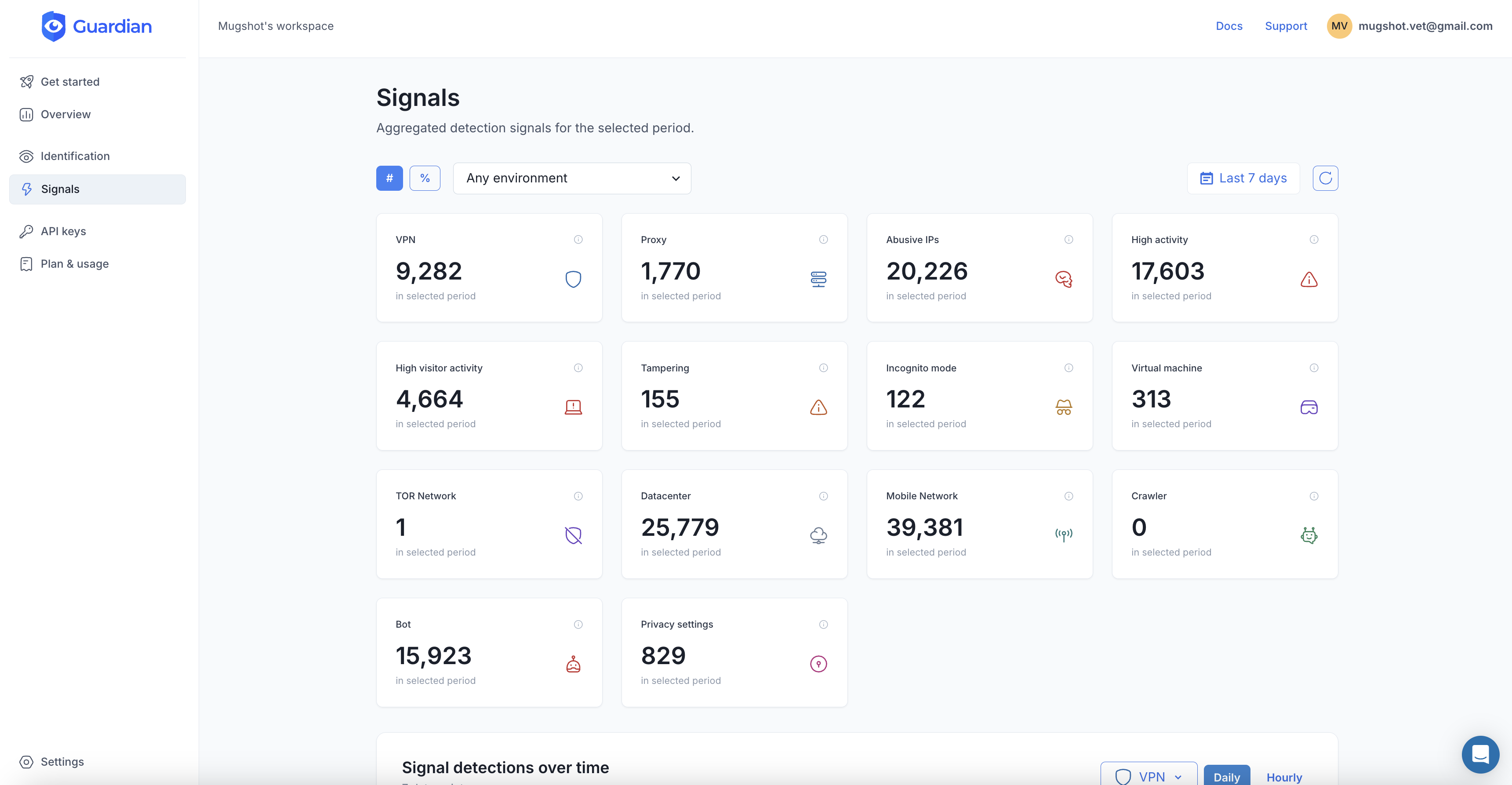
Proxy and VPN detection. Bot scoring. Tampering checks. Velocity signals showing how fast requests are coming in. Timezone mismatches that expose proxy routing. All from a 3-line integration.
4. Respond with precision
With these signals, you can build nuanced responses instead of blunt IP blocks:
- Low risk: no proxy detected, low velocity, no tampering → let them through
- Medium risk:
ipInfo.is_proxy: truebut bot score is low and velocity is normal → add friction (MFA, email verification) - High risk: proxy detected, high velocity (300+ requests in 24h), bot signals or tampering → block or challenge hard
This approach catches the attackers hiding behind residential proxies while leaving your real customers untouched.
What residential proxies mean for your business
The specific threats depend on what you run, but the pattern is the same: attackers use residential proxies to look like your real users.
- E-commerce: Fraudsters use residential IPs to test stolen cards, abuse promotions, and evade payment fraud detection. Each transaction looks like it comes from a different household.
- SaaS and subscriptions: Bonus abusers create dozens of free trial accounts from different residential IPs. Without device intelligence, each one looks like a unique new customer.
- Login and authentication: Credential stuffing attacks spread login attempts across thousands of residential IPs to stay under rate limits. One attempt per IP, millions of IPs in the pool.
- Content and pricing: Scrapers use residential proxies to harvest your catalog, pricing data, and proprietary content at scale while appearing as normal browsing traffic.
The IP you trust might be working against you
Residential proxies break a fundamental assumption of the internet: that a home IP represents a real person. Today, that assumption is the exact blind spot attackers rely on.
The answer is not to block residential IPs. That punishes your real users. The answer is to stop trusting the IP and start identifying the device. Device intelligence gives you the signals that residential proxies cannot fake: stable device identity, behavioral patterns, and environment analysis that work regardless of how the traffic is routed.
Residential proxy networks are only growing. Cheap IoT hardware, massive botnets, and AI-driven operations that need to blend in will keep expanding the supply of “trustworthy” home IPs for sale. The businesses that adapt are the ones looking past the address and at the device behind it.
Frequently asked questions
What is a residential proxy?
How do residential proxy networks get their IPs?
Can you block residential proxies by IP address?
How does device intelligence detect residential proxy usage?

Related articles

· 8 min read
How to Stop Brute Force Attacks on Your Login Pages
Brute force attacks exploit weak passwords and stolen credentials at scale. Learn layered prevention techniques that actually work in 2026.

· 13 min read
Click Farm Fraud: How to Detect and Stop Fake Traffic (2026)
Click farms drain ad budgets, pollute analytics, and fake engagement. Learn how to detect and block them with device intelligence.

· 13 min read
Device Farm Fraud: How to Detect and Shut Down Fake Traffic
Device farms power fake accounts, promotion abuse, and credential stuffing at scale. Learn how device intelligence detects and stops them.